To move from reading to a structured collection, open a colleague farewell card page—one link, centralized messages, PDF export.
This guide is for a 100% remote farewell (video, chat, no room booking): you need a clear agenda and a guestbook opened early so the call does not run out of steam.
Teams spread across cities and time zones often mix onsite or hybrid gatherings elsewhere—when you need catering, venues, or multi-site logistics, borrow the full D-14 → D-day checklist and keep this page for the remote core.
1. Pick a humane time window
Avoid “Friday 5:30pm local” if people are drained. Consider a midday EU slot or two short sessions for US/APAC coverage.
Sample grid when the event is anchored at 12:00 Paris (Europe/Paris)—copy or print (select the table, then print).
| City / zone | Local time at that instant | Fit for a live party |
|---|---|---|
| Paris, Berlin | 12:00 | EU “midday pivot” |
| London | 11:00 | Good |
| New York | 06:00 | Early—plan a replay or US session |
| São Paulo | 08:00 | Quiet morning |
| Dubai | 15:00 | Afternoon OK |
| Singapore | 19:00 | Short evening slot |
| Tokyo | 20:00 | Evening—prefer a second APAC window |
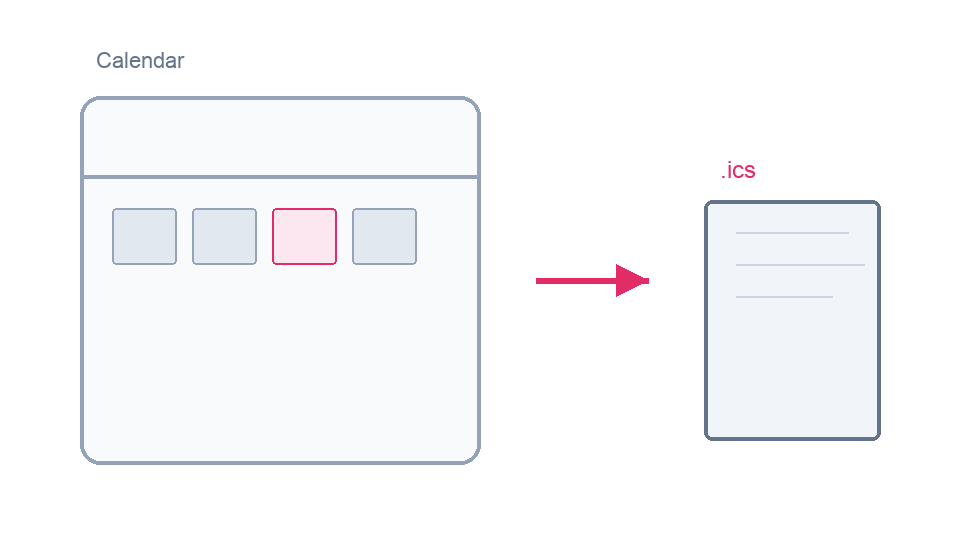
Add to calendar (.ics file)
Download a starter .ics file (one-hour placeholder event; summary and description are in English so you can edit them) and adjust the date, time zone, and meeting link before sharing with the team.
Download the virtual farewell .ics template
- Outlook (desktop): double-click the file or use File > Open > Calendar, open the event, edit time, title, description, and meeting link, then send the invite.
- Google Calendar: Settings (gear) > Import & export > Import and select the .ics; or drag the file onto the calendar, open the imported event, then edit date, title, and video link before adding guests.
2. Use a simple agenda
5 minutes welcome, 25 minutes for messages, 15 minutes for a quiz or stories, close with a slideshow of a digital guestbook.
3. Host with care
Assign a host who keeps pace, lifts quieter voices from chat, and reads a few highlights aloud.
4. Open contributions before the call
Let people write messages for several days ahead of time—then present the guestbook live during the event.
5. Optional meal stipend
A small food voucher helps balance the experience with in-person gatherings.
6. Keep a keepsake
Export a PDF, save chat highlights, or record (with consent) for the person leaving.
Farewell card without chasing signatures
Prepare a farewell card without chasing every signature.
Create a free farewell cardKeepsake PDF · no account to post · one link for the whole team
Start a Dukoos guestbook and drop the link in Slack or Teams. After the call, use the checklist’s post-event section for PDFs, absent teammates, and archiving.
Read next
-
Farewells
D-14 roadmap to a smooth hybrid farewell gathering
To round out your farewell flow (lines, structure, timing).
-
Farewells
Ready-to-post phrasing for a teammate leaving
To avoid last-minute awkwardness on the card.
-
Farewells
Farewell card reference from tone to PDF
To move from collection to the team moment (party, PDF, announcement).
Frequently asked questions
- How do you handle time zones for a remote farewell?
- Pick a “core” slot where most people can join live, record a short message for others, and share a simple agenda 48 hours ahead so nobody misreads the schedule.
- How long should a virtual farewell run?
- Aim for 30–45 focused minutes: tight speeches, timed open‑mic, then an optional hangout for those who want more. Beyond that, video fatigue spikes.
- Who should host the call?
- A neutral host—often the manager or a peer—who handles transitions, moderates chat, and mutes noisy lines. Have a backup link and test screen sharing once before go‑live.
- What should be done a week out to avoid an awkward silence?
- Re‑share the guestbook link, confirm speakers, send a quick AV checklist (mic/headset/quiet space), and remind people how to add photos or GIFs if you are collecting memories in one place.
Ready to sign the farewell card?
Free guestbook in minutes: one link for the whole team, no forced signup to post, keepsake PDF ready for the last day.