To show what “tooling” looks like in practice, open a team digital guestbook with HR-friendly use cases and PDF export.
A PDF export turns a digital guestbook into something tangible: a gift on the last day, an archive (with consent), or a memory to reopen years later.
For branding, multiple recipients, and the “company keepsake” angle, read the company keepsake PDF guide—this page focuses on the product flow and export hygiene.
Why PDF still matters
- Readable without an app or login.
- Easy to email or print.
- Works well as a closing slide for a virtual farewell.
Good practices
- Moderate before exporting (names, sensitive jokes).
- Add a simple cover page with title and date.
- Watch consent if photos include private events or minors.
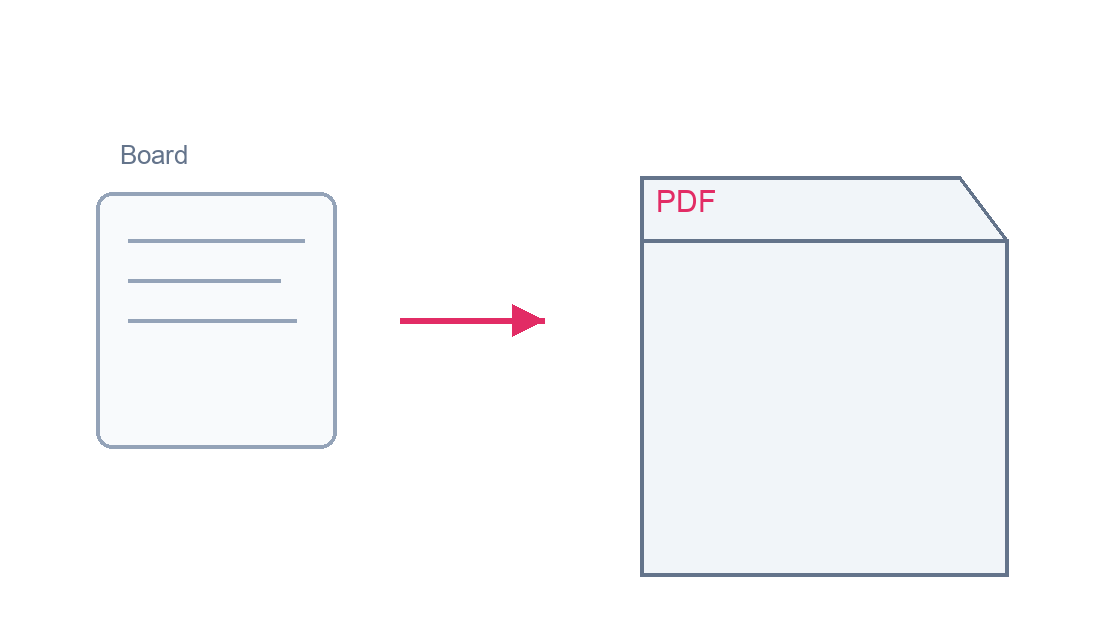
Step-by-step: board to PDF
For timing, moderation, and ownership, start from the digital guestbook guide; below is the practical product path.
- From the homepage, create a board or open the one already set up for the moment; pick a clear title—it often anchors the exported PDF.
- Share the link with a deadline and a short prompt if helpful; the eight workplace use cases include example angles you can reuse.
- Let contributions come in over a few days; one or two gentle nudges are usually enough.
- Before exporting, scan messages for names, tone, borderline jokes, or sensitive content; fix or remove anything that should not appear in a shared or archived file.
- When you are happy with the board, start the PDF export from the product.
- Open the file: check message order, image rendering, and pagination on screen and, if you will print, with a quick test page.
- If something is missing or wrong, go back to the board, adjust, and export again for the final version.
- For cover pages, disclaimers, or employer branding, use the company keepsake PDF guide already linked at the top.
- Send the PDF by email, show it at the farewell, print it, or file it with HR—keeping consent and retention rules in mind.
Visual reference (PNG diagrams)
The format that lifts participation
Mobile-first posting without creating an account—built for busy teams.
Create a team guestbookKeepsake PDF · no account to post · one link for the whole team
Dukoos flow
Collect messages on your board, then export the final keepsake.
Read next
-
Guestbooks
Digital guestbook ops: HR cases through export
To structure a simple collection (link, nudges, export).
-
Guestbooks
Branded PDF handoff: audience, look, and sharing rules
To help contributors avoid the blank page.
-
Guestbooks
Eight workplace moments suited to an online guestbook
For a clean shareable output after the moment.
Digital guestbook for team moments
Farewell, promo, onboarding: spin up in minutes, unlimited links, PDF when you are ready to wrap.
Create a team guestbook See team milestone guestbook (example)